
UGC
Appeal notes, not a guarantee

At a glance
Key capabilities
What UGC focuses on before you open the full module list.
Plus 4 more items in the full list below.
Overview
Notes and follow-ups for an account restriction
How this build fits a PUBG session and a patch day.
UGC is an appeal workspace. You keep the facts of the case in one thread instead of retelling them in every message. That is the product. It is not a promise that PUBG will reopen the account.
Bring documents you already have. Support cannot invent a history the publisher did not send you.
What UGC covers
UGC (Unban and Governance Control) organizes an appeal: timeline, screenshots you already have, and follow-ups. It is not an instant restore and it does not bypass a publisher review.
Realistic expectations
Some restrictions are permanent. If the case is about the PC rather than the account, read the HWID Spoofer page before you buy a second product.
Modules
What's included
Every module listed for UGC. Turn on one option at a time.
- Appeal notes in one place
- Timeline of what you already sent
- Room for screenshots you have
- No restore guarantee
- Separate from the HWID utility
- Order email required
- Human follow-up on the ticket
- Clear stop when a case cannot be reviewed
Experience
In the client · After you buy
Use the screenshots above for UGC—below is what each layer means and how access works after checkout.
In-game layers
- Layer A
UGC
Image supplied for the UGC gallery.
Guides
Learn more about UGC
Curated articles for setup, tuning, and patch-day checks that match this product.
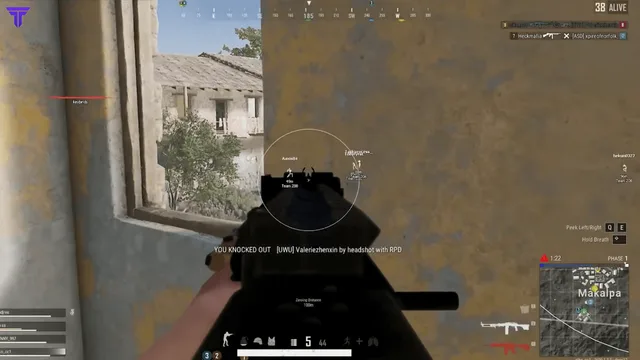
What the UGC page means by workflows and case tracking, and why a permanent restriction may not be reversible.
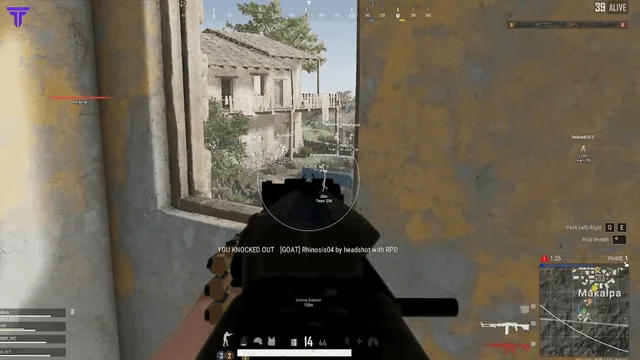
A non-procedural explanation of the hardware-identifier product, the risks, and when an account issue is a different problem.
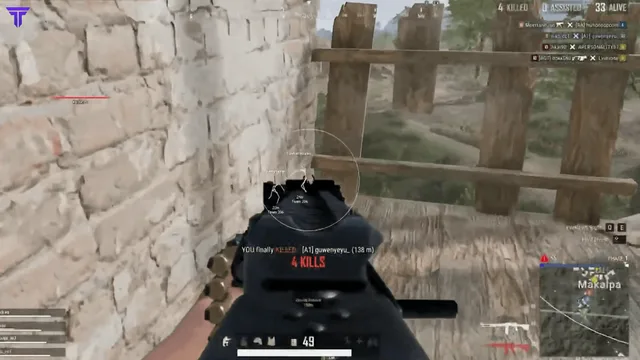
A buying checklist that maps Elite, Skin Changer, HWID Spoofer, and UGC to different jobs.
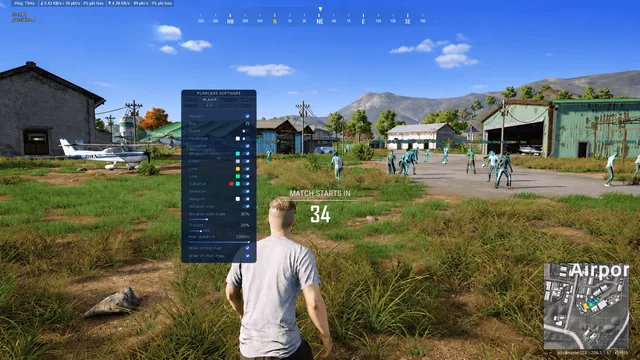
How Cheats PUBG groups player ESP, loot markers, recoil profiles, Elite access, and the separate utility products.
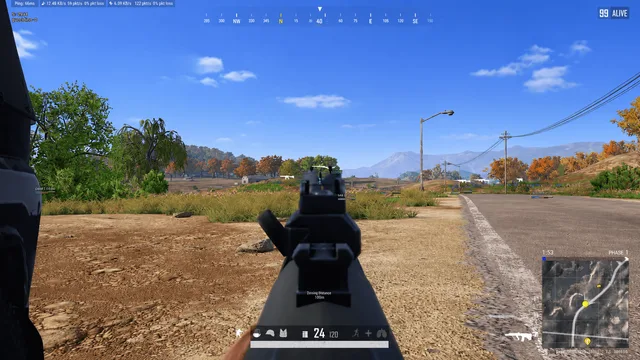
A plain-language look at player boxes, distance, and health markers, and why you should read the status note before a session.
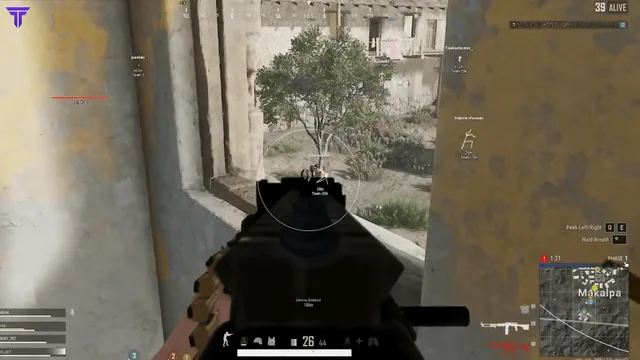
What is included on the Elite product page, how it differs from the utilities, and what to confirm before checkout.
FAQ
Questions about this page
Answers tied to what you are reading. The FAQ page has every topic.